
Trello Pricing: Complete Guide to Plans and Features
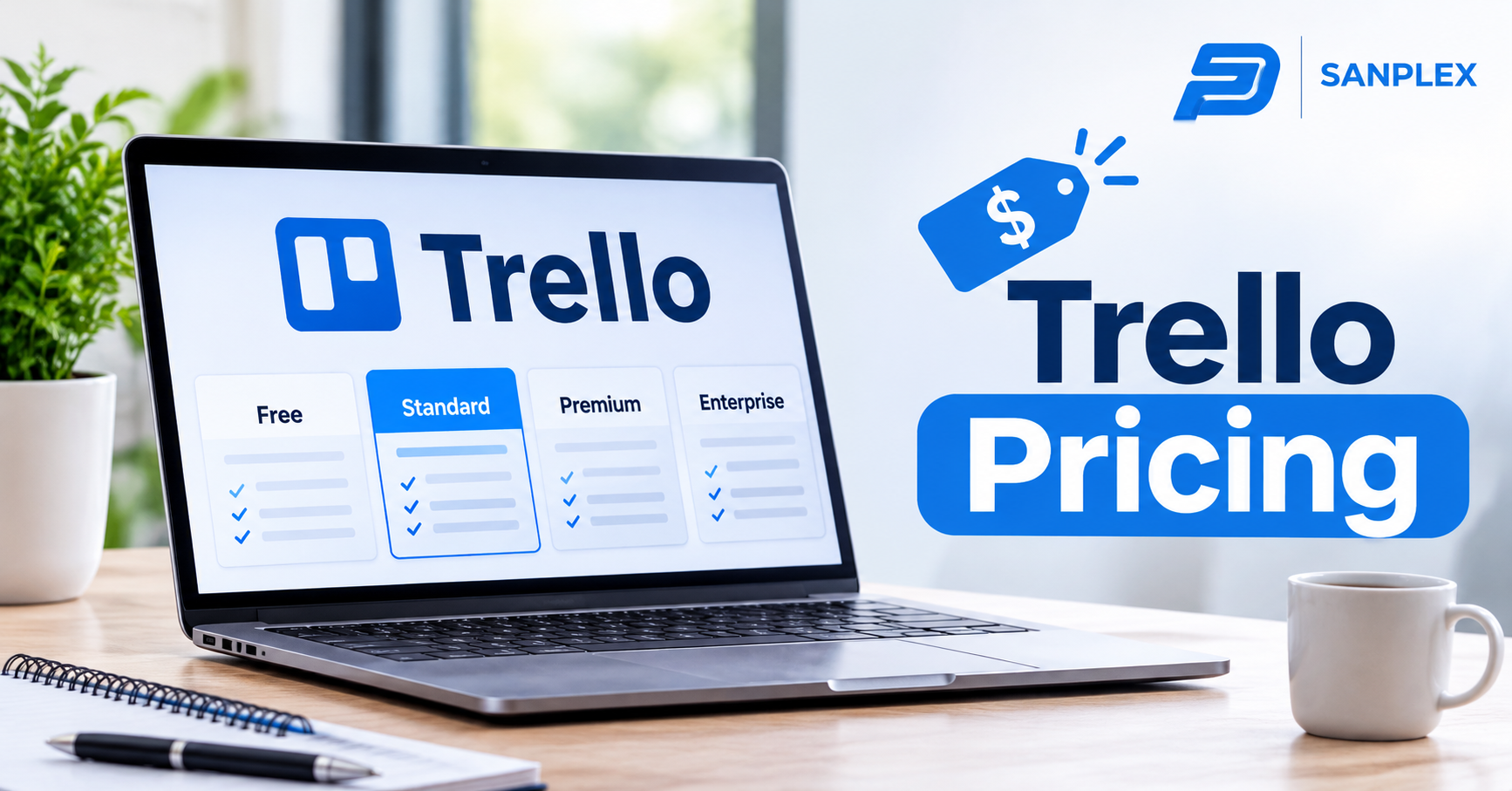
Project management software helps businesses organize responsibilities, monitor deadlines, and coordinate team activities. Trello is a popular platform that uses boards, lists, and cards to make project management easier. Before choosing this software, understanding Trello pricing is important because its subscription plans offer different features, collaboration limits, and administrative capabilities.
Trello provides four main plans: Free, Standard, Premium, and Enterprise. Each option serves different requirements, from individuals managing personal tasks to large organizations handling complex projects. Comparing these subscriptions allows users to understand what they receive, calculate potential expenses, and select a plan that supports their workflow.
Understanding Trello Pricing Plans
Trello offers flexible subscription options for individuals, small businesses, and larger organizations. The main differences involve the number of available features, automation capabilities, attachment limits, and management controls.
1. Trello Free Plan
The Free plan is suitable for individuals, freelancers, and small teams that need basic task management features.
Users can create cards, organize tasks into lists, assign responsibilities, add due dates, and collaborate through shared boards.
Its main features include:
-
Unlimited cards.
-
Up to 10 open boards per Workspace.
-
Up to 10 collaborators per Workspace.
-
Unlimited Power-Ups per board.
-
250 automation command runs per month.
-
10 MB attachment limit per file.
-
Unlimited activity history.
-
Access through desktop and mobile applications.
This plan is useful for people who want to organize daily activities without paying for project management software.
2. Trello Standard Plan
The Standard plan is designed for growing teams that need more flexibility and additional organizational features.
It includes the Free plan features along with:
-
Unlimited boards.
-
Unlimited collaborators.
-
Advanced checklists.
-
Custom fields.
-
Card mirroring.
-
Additional automation capabilities.
-
250 MB attachment limit per file.
-
1,000 automation command runs per month.
Trello Standard costs approximately $5 per user per month with annual billing or $6 per user per month with monthly billing.
For example, a business with 15 billable users would pay approximately $75 per month under annual billing.
This plan is particularly useful for teams managing several projects and needing more detailed task organization.
3. Trello Premium Plan
Trello Premium is designed for teams that manage multiple projects and require advanced reporting and visualization features.
It includes Standard features and additional project management tools, such as:
-
Calendar view.
-
Timeline view.
-
Dashboard view.
-
Table view.
-
Map view.
-
Workspace collections.
-
Advanced administrative controls.
-
Unlimited automation command runs.
-
Data export.
-
Priority support.
Premium costs approximately $10 per user per month with annual billing or $12.50 per user per month with monthly billing.
These features help managers monitor workloads, understand project progress, and identify potential delays.
4. Trello Enterprise Plan
The Enterprise plan is intended for large organizations that require advanced security, administration, and centralized management.
Its features include:
-
Unlimited Workspaces.
-
Organization-wide permissions.
-
Organization-visible boards.
-
Centralized user management.
-
Advanced security controls.
-
Power-Up administration.
-
Multi-board guest management.
-
Single sign-on and user provisioning through Atlassian Guard.
Enterprise pricing starts at approximately $17.50 per user per month with annual billing for the relevant pricing tier. The actual price can vary according to the number of users and organizational requirements.
Large businesses should contact Trello for a customized quotation.
What Factors Influence Trello Pricing?
Understanding the subscription prices is important, but businesses should also consider other factors that influence their total costs.
Number of Team Members
Paid Trello subscriptions generally charge according to the number of billable Workspace members.
As the number of employees increases, subscription expenses also increase.
For instance, a company with 30 users on Standard would pay approximately $150 per month with annual billing.
Billing Frequency
Trello provides monthly and annual payment options for Standard and Premium.
Annual billing generally offers a lower monthly equivalent, although the full subscription amount is paid in advance.
Businesses should compare both arrangements before committing to a subscription.
Required Features
Different teams have different project management requirements.
A freelancer may only need task cards and checklists, while a project management department may require advanced reporting, automation, and administrative controls.
Selecting features based on actual business needs helps prevent unnecessary spending.
How to Select the Best Trello Plan
Choosing the right plan depends on team size, project complexity, and available resources.
-
Free: Suitable for individuals and small teams with basic requirements.
-
Standard: Appropriate for growing teams that need unlimited boards and custom fields.
-
Premium: Ideal for businesses requiring advanced reporting and project visualization.
-
Enterprise: Designed for large organizations with complex security and administration needs.
Businesses should evaluate their existing workflows before upgrading. A higher subscription is not necessarily better if the team will not use its additional features.
Practical Benefits of Understanding Trello Pricing
Comparing Trello pricing plans provides several practical advantages.
First, it makes financial planning easier. Businesses can estimate subscription costs based on the number of users and billing frequency.
Second, it helps teams identify valuable features. For example, a company managing multiple departments may benefit from Premium's Dashboard and Timeline views.
Third, understanding the subscription structure helps avoid unexpected charges. Paid Workspaces generally count members and multi-board guests as billable users, while single-board guests can generally participate without an additional subscription charge.
Finally, comparing available plans helps businesses select software that supports their current operations without creating unnecessary expenses.
Common Challenges and Considerations
Workspace-Based Subscriptions
Trello subscriptions are associated with individual Workspaces. Purchasing a paid plan for one Workspace does not automatically provide paid features to other Workspaces.
Businesses should review their Workspace structure before upgrading.
Additional User Costs
Adding employees and external collaborators may increase subscription expenses. Organizations should understand guest access rules and regularly review their membership lists.
Feature Availability
Some advanced tools are available only through higher subscription levels. Teams should check the feature comparison carefully before making a purchase.
Long-Term Budget Planning
As businesses grow, their software requirements may change. Reviewing subscriptions regularly helps ensure that the selected plan remains appropriate.
Frequently Asked Questions
1. Is Trello free for personal use?
Yes. Trello offers a Free plan that provides basic task management features, unlimited cards, and up to 10 open boards per Workspace.
2. How much does Trello Standard cost?
Standard costs approximately $5 per user per month with annual billing or $6 per user per month with monthly billing.
3. What is included in Trello Premium?
Premium includes advanced project views, unlimited automation runs, additional administration features, data export, and priority support.
4. Does Trello charge for guests?
Single-board guests in paid Workspaces are generally not charged separately. Workspace members and multi-board guests are generally billable.
5. Can I upgrade or downgrade my Trello plan?
Yes. Workspace administrators can change eligible subscriptions through Trello's billing settings. The applicable billing adjustments depend on the subscription terms.
Conclusion
Trello provides different subscription options to support individuals, small teams, and large organizations. Understanding Trello pricing helps businesses compare features, estimate expenses, and select the right project management solution.
The Free plan is useful for basic organization, Standard supports growing teams, Premium provides advanced reporting, and Enterprise offers additional organizational controls. Reviewing your requirements and comparing the available features can help you make a cost-effective decision.

 English